




















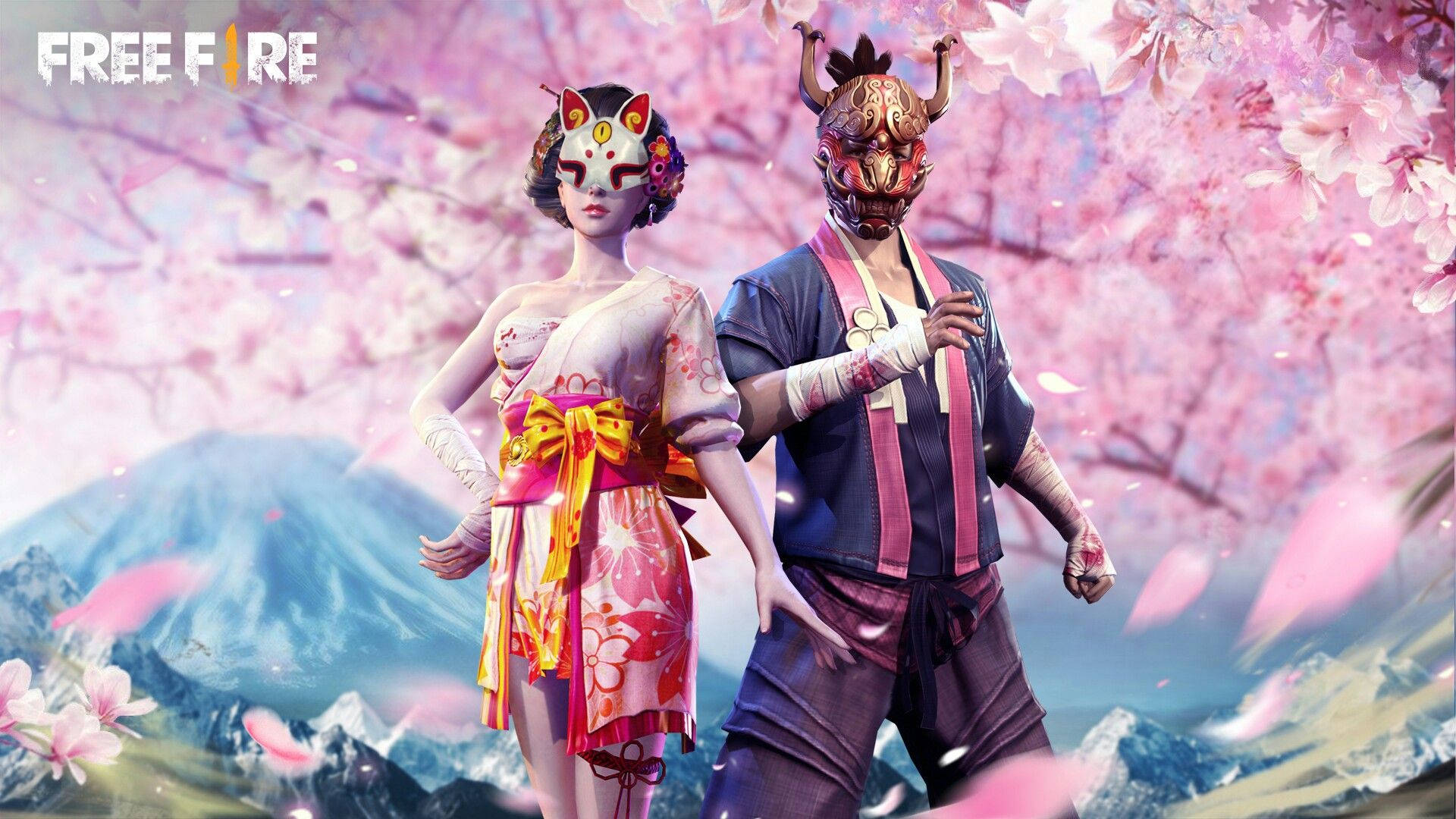

Much like proxy servers, Skin Tools—often referred to as glitch files—give players a way to experience Free Fire’s most premium cosmetics without spending any in-game currency.
These files work as visual configuration overrides. Instead of unlocking items officially, they replace the textures of default characters, outfits, and weapons on your device, making them appear as rare bundles such as the Hip Hop Bundle, Sakura Set, or the iconic Bunny Mastermind Bundle.
While these tools are widely used, they are still unofficial modifications. This means the process requires care and precision to reduce the chances of your account being flagged. In this guide, we’ll explain how Skin Tool glitch files work, their real benefits and limitations, and how they’re typically applied on Android devices.
Important: Proceed with caution and understand the risks before continuing.
The Reality of Skin Tool Glitch Files in Free Fire
Before modifying any game data, it’s important to understand what glitch files can—and cannot—do.
Skin Tools are not hacks in the traditional sense. They do not modify gameplay mechanics such as damage, speed, or aim. Instead, they apply client-side visual changes, which come with several limitations.
1. Visibility Is Limited to You
Because these files only affect your local game client, other players will still see your original default outfits. The premium skins are visible only on your own screen.
2. Version and Update Issues
Every Free Fire patch or OB update can break glitch files. When this happens:
- Skins may revert to default textures
- Characters may display the basic Primis bundle
- Files may need to be deleted or re-applied
3. The “No Ban” Myth
Although many creators claim glitch files are completely safe because they don’t affect gameplay, modifying the game client is still against official policy.
Bans are uncommon but possible, ranging from temporary suspensions to permanent account bans if file signatures are detected. Using these tools on a main account is never completely risk-free.
Why Players Still Use Glitch Files
If other players can’t see the skins, why do thousands still use them? There are a few practical reasons.
Visual Satisfaction
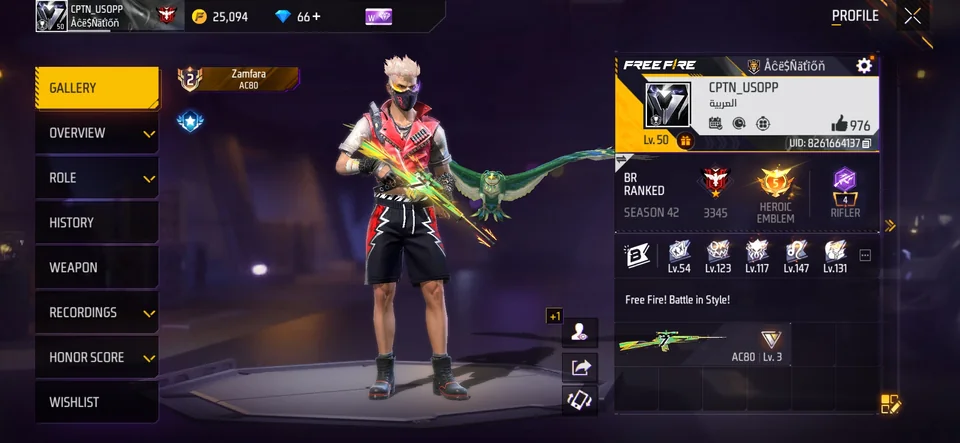
For many players, the game simply feels better when their character looks “pro.” Even if the advantage is psychological, confidence can positively influence gameplay.
Testing Before Buying
Glitch files allow players to preview returning bundles in the lobby or training mode before spending real money, helping them decide whether a skin is worth purchasing.
Content Creation and Flex Clips
Glitch files are commonly used for TikTok and YouTube Shorts. Creators record gameplay clips with rare skins to attract viewers, often adding disclaimers afterward.
How Skin Tool Glitch Files Are Applied
To avoid immediate “Abnormal Activity” warnings, most users rely on tools that correctly integrate files into Android’s protected directories.
Step 1: Use a Reliable Skin Tool App
Avoid random download links from unknown sources. Well-known Skin Tool apps are frequently updated to match the current Free Fire version, reducing crashes and incompatibility issues.
Step 2: Set Up Permissions (Shizuku Method)
On Android 11 and above, access to Data and OBB folders is restricted. To bypass this limitation, users commonly rely on the Shizuku framework.
- Enable Developer Options on your phone
- Turn on Wireless Debugging
- Pair Shizuku with your device using the provided code
This method allows controlled access without rooting the phone.
Step 3: Activate the Config
After granting permissions, open your Skin Tool app, select the bundle or weapon pack you want, download it, and activate it. The app injects the visual configuration automatically.
Step 4: Launch the Game
Open Free Fire or Free Fire MAX, go to your Vault, and equip the default item that the tool replaces. The premium skin should now appear on your screen.
Applying Manual Glitch Files (ZIP Method)
If you downloaded standalone glitch files, the process is slightly different:
- Activate Shizuku first
- Use a file manager such as ZArchiver
- Extract the ZIP file in your Downloads folder
- Copy the
com.dts.freefirethfolder - Paste it into
Storage > Android > Data
This requires granting elevated access through Shizuku within the file manager’s settings.
Final Thoughts
Skin Tool glitch files offer high visual reward with relatively low risk, but they are not completely safe. Bans are rare, yet still possible—especially when used carelessly or on main accounts.
When used cautiously, they provide a way to enjoy premium aesthetics, test cosmetics, or create content without spending money. Just remember: these tools change how the game looks, not how it plays.
Use them responsibly, stay informed, and never rely on unofficial tools as a substitute for genuine skill or progression.












You must be logged in to post a comment Login