
























PC game system requirements are the minimum and recommended computer specifications for running games. All Windows games have system requirements that state their PC hardware requirements. You can view the system requirements for games on their Steam, Epic Games, or Microsoft Store pages. Alternatively, check the PC requirements for them on their publisher (or developer) websites. However, the tech jargon for such system requirements can sometimes be a little confusing.
Why Are Windows PC Game System Requirements Important?
Console players can purchase games for their PlayStation, Xbox, or Switch consoles without needing to consider system requirements. However, that’s not the case for Windows PC players. There’s a massive variety of Windows PCs, and only the very best gaming rigs can run all the latest games. An installed game for which your PC doesn’t meet the minimum system requirements won’t start on it.
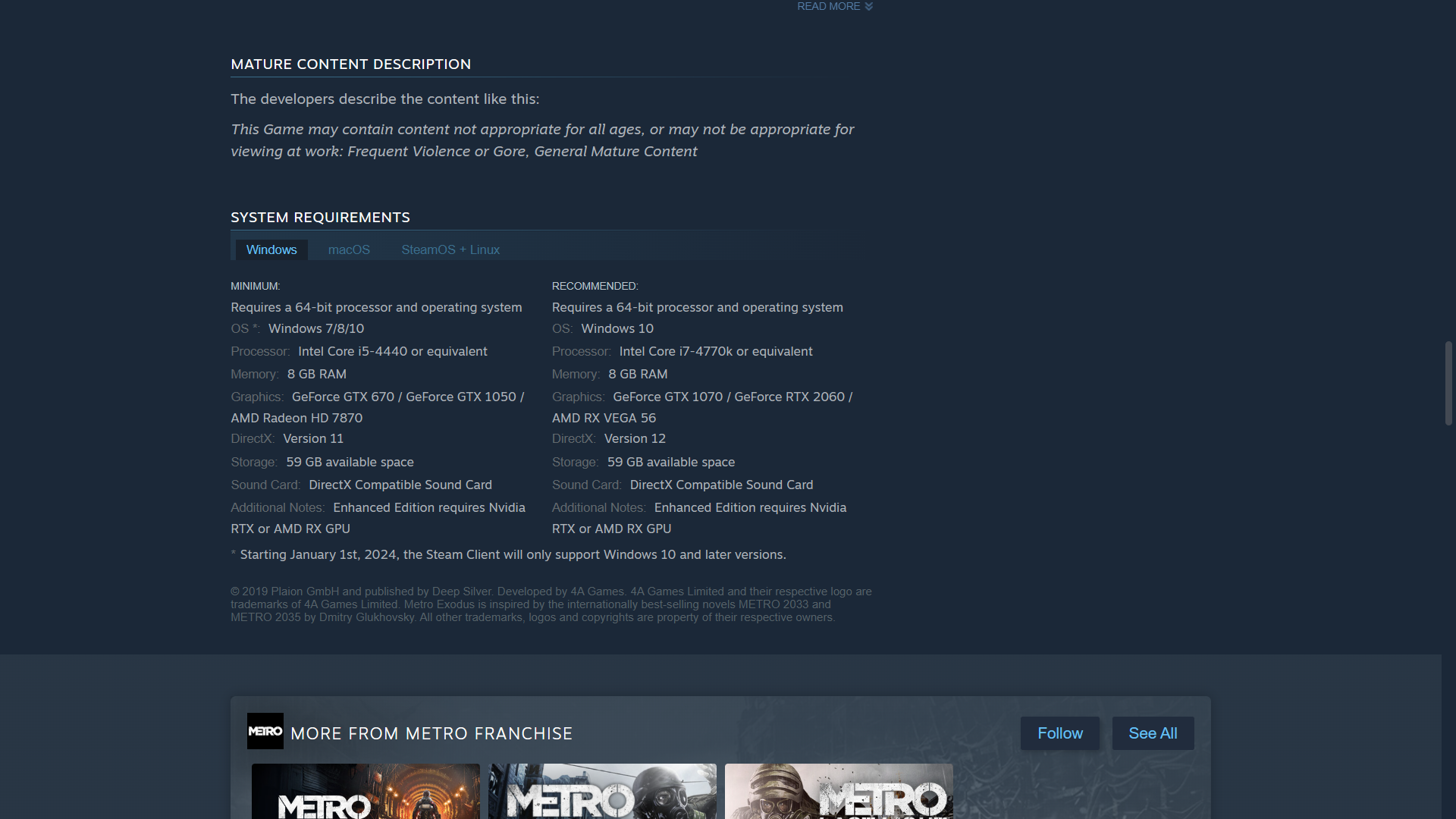
If your Windows PC is a slightly older, mid-range model, or less than that, you should at least always check the system requirements for non-freemium games before purchasing them. That involves comparing the game’s minimal system requirements with your PC’s hardware specifications. These are the PC game system requirements you’ll need to check.
RAM (Random Access Memory)
RAM stands for Random Access Memory, which is your PC’s short-term memory needed for running games (and any other software). Most recently released PC games will usually need at least four to eight gigabytes of RAM. However, 16 GB to 32 GB is often the recommended amount of RAM for many newer PC games.
If your PC only meets the minimal RAM requirement for a game, its gameplay performance might not be the best. Limited RAM can cause game stuttering and frame rate drops to arise. That often happens when PCs must utilize slower hard drive storage to compensate for limited system memory.
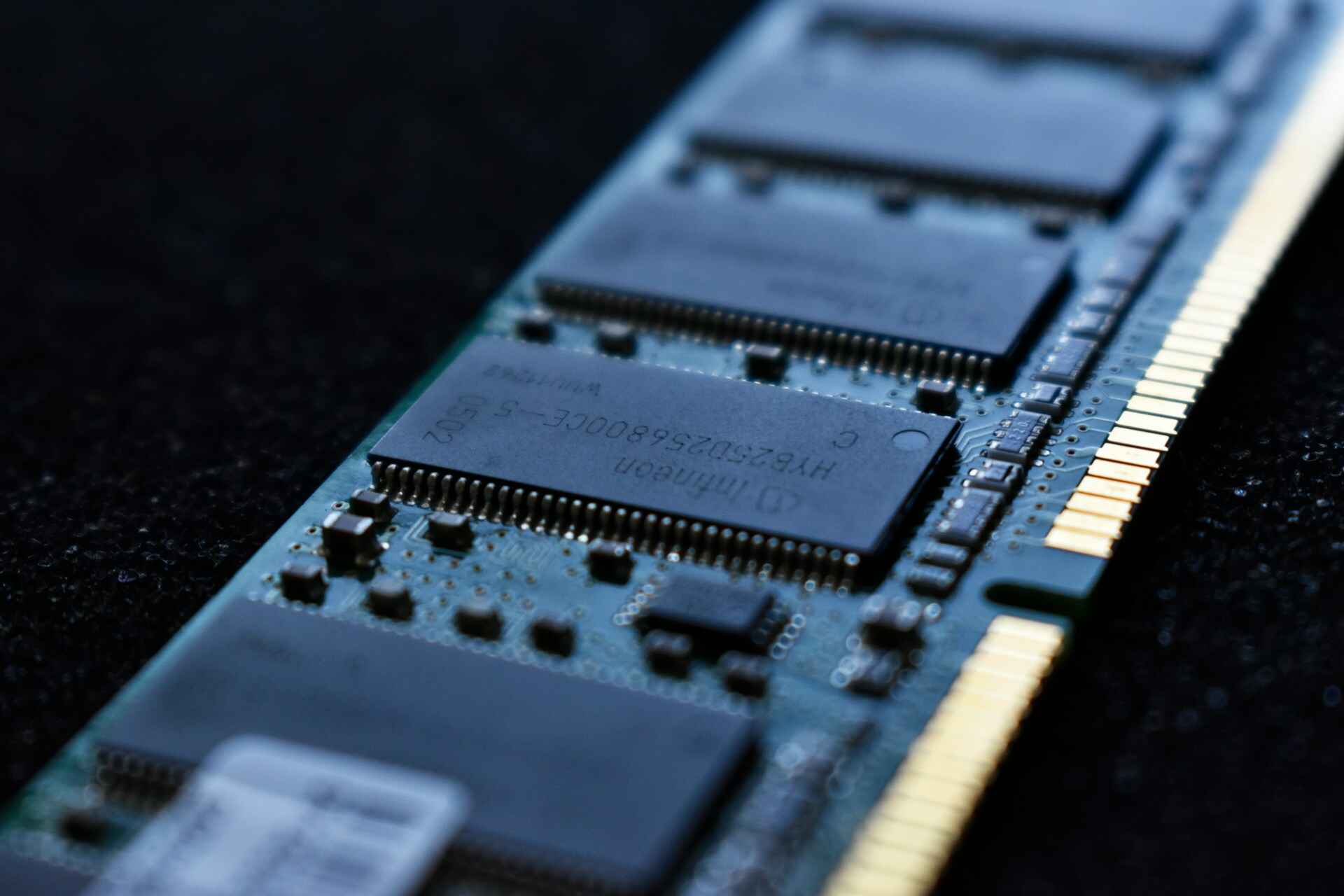
You can add more RAM to desktop PCs and some laptops if you don’t have enough of it for a game. To do that, you’ll need to purchase a compatible RAM module for your PC. Desktop users can then open their PC cases to insert new RAM modules in the appropriate motherboard slots.
Graphics Card
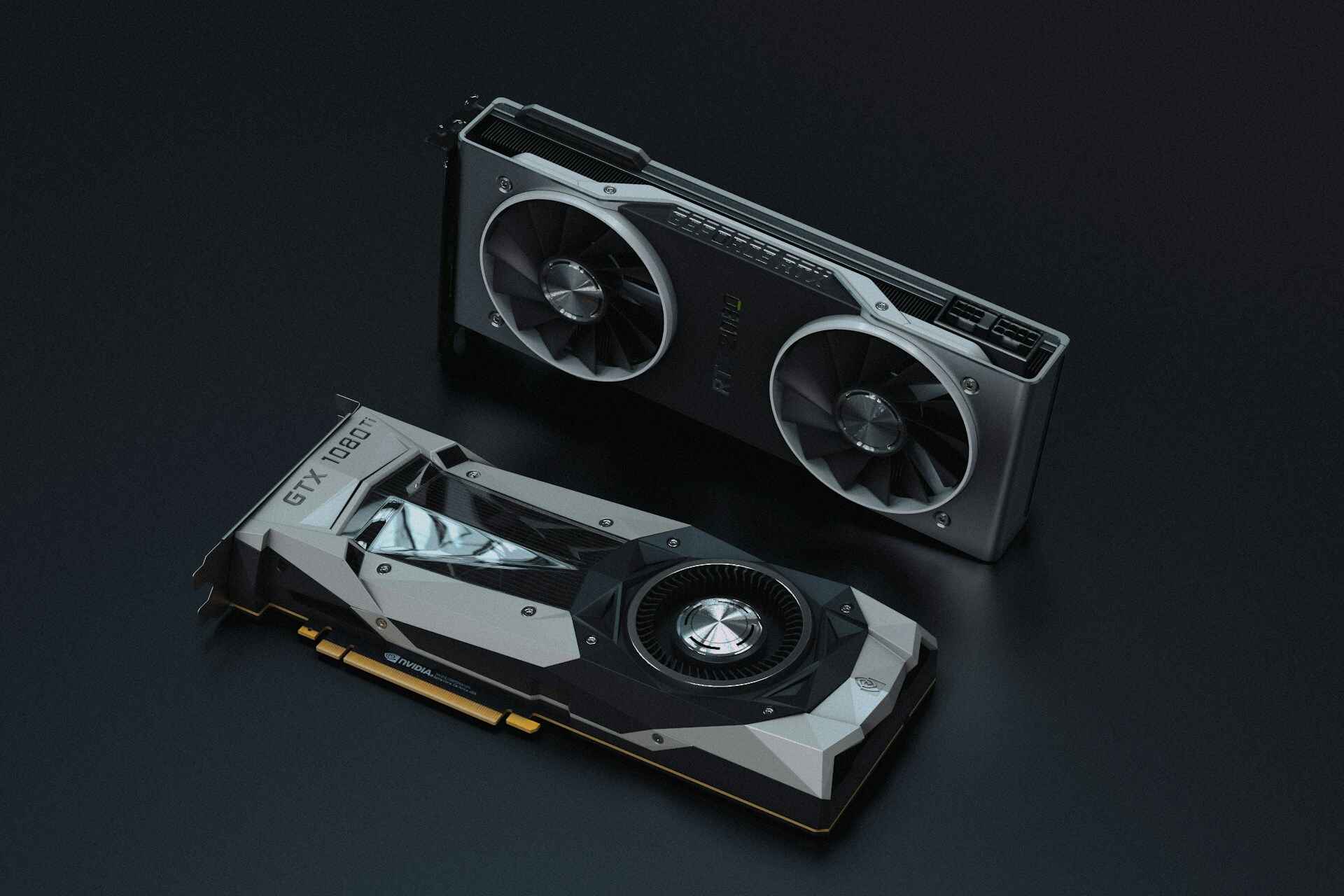
Your PC’s graphics card (GPU) is a component that processes graphical data for visual display rendering. Dedicated and discrete are the two types of graphics cards. The difference between those types is that discrete GPUs have dedicated memory (called VRAM) needed for higher-performance graphical tasks in games.
Many Windows PC games need a dedicated NVIDIA or AMD graphics card for you to play them. Graphics cards like the AMD Radeon RX 9070 XT, NVIDIA GeForce RTX 4060, and NVIDIA GeForce RTX 5070 Ti-i are some of the best for cutting-edge graphics. Desktop PC users can upgrade their graphics cards when they get outdated, but that’s not possible for gaming laptops.
Processor
The processor, also known as the CPU, is the heart of your PC, handling the processing of tasks and executing instructions. These processors have clock speeds (measured in GHz) that highlight how quickly they can complete processing cycles. A CPU with a higher clock speed can process gaming-related tasks more quickly, resulting in faster, more responsive, and smoother gameplay.
Processors can also be 64 or 32-bit, but 64-bit CPUs are much more prevalent today. The minimum requirement for the vast majority of newer games is a 64-bit processor. However, you can play older games, such as Half-Life 2, on PCs with 32-bit CPUs.
Storage Drive and Space
Storage is a system requirement that tells you how much drive space a game needs for installation. Some PC games might need as much as 200 gigabytes of drive space. However, storage is one of the least important of system requirements because you can always free up space for games by uninstalling software. If you really can’t make space for a game, you can purchase an external drive to install it on.
HDD (hard disk drive) and SSD (solid-state drive) are different types of drive storage for PCs. SSD is a requirement for some PC games; so, you should take note of that requirement if your PC has HDD storage. Significant performance issues can arise for PC games optimized for SSD when installed on hard disk drives.
OS Platform
The operating system, also called the platform, manages your PC’s hardware and software. It is also the primary user interface for your PC. Windows is the dominant platform for PC gaming, but you can also play games compatible with macOS, SteamOS, and Linux operating systems.
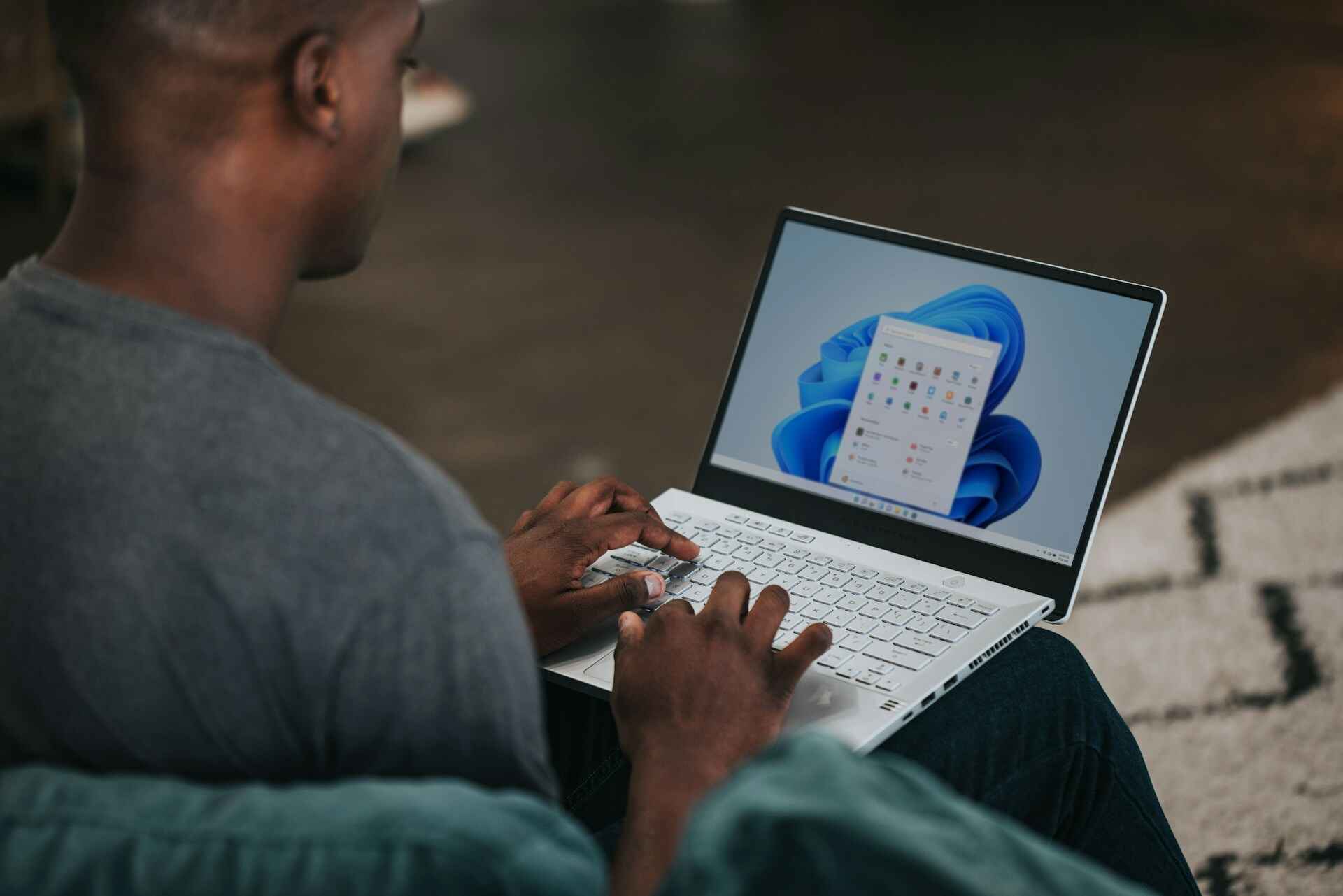
Windows 11 and 10 are the two most recent Microsoft platforms with which most PC games launched from 2017 are compatible. However, there are many older games available on Steam originally released for Windows 7, Vista, or XP. Windows 11/10 can have background compatibility issues with some older games. For that reason, there’s a compatibility mode setting you can select for running older games and software on Windows 11/10 PCs.
How to Check if Your PC Meets a Game’s System Requirements
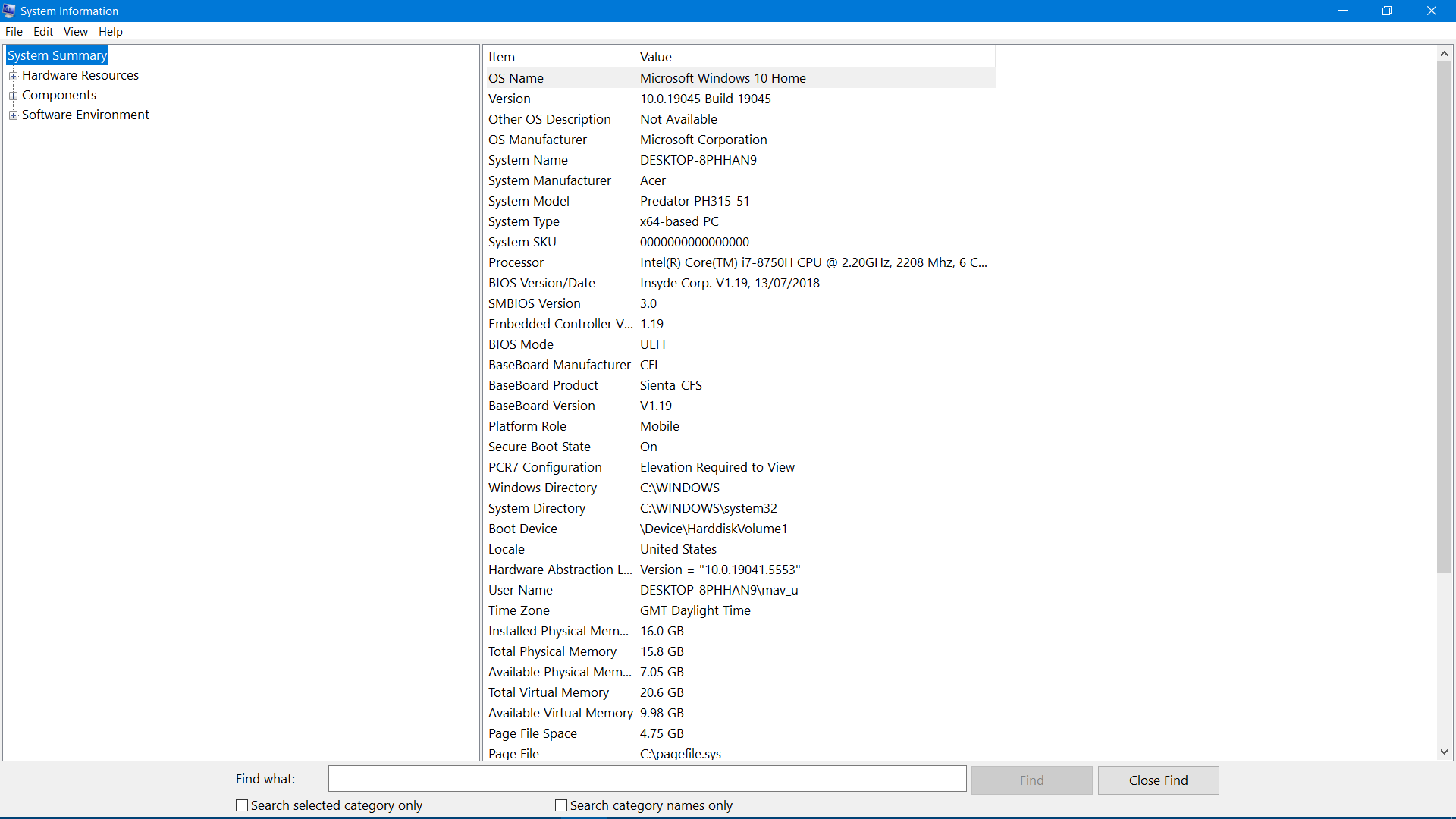
You can check the PC’s hardware specifications for the PC game system requirements above with the System Information tool. To do that, type System Information in the Windows search box and select to open the app found. Then, look for these specifications in the System Summary, Display, and Storage (Drives) sections of the System Information app:
- OS Name
- System Type
- Processor
- Installed Physical Memory
- Adapter Type (graphics card)
- Drive Size
- Free Space
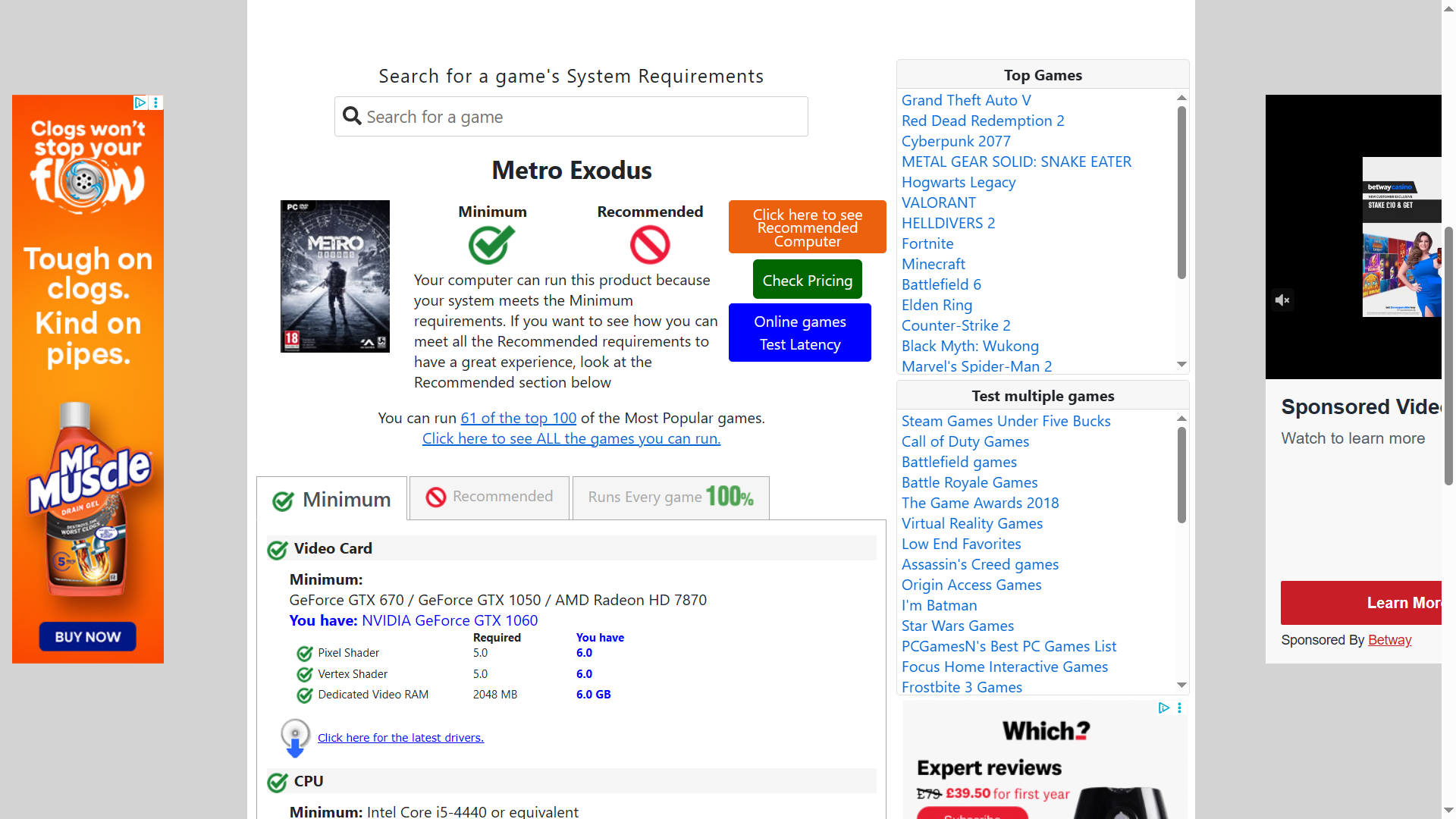
Alternatively, you can check if your PC meets the system requirements for games via the Can You Run It website. To do so, enter a game name on this run it page and click the Can You Run it button. A detection app for analysing your PC will download. Double-click the downloaded Detection (7u2).exe file, which is perfectly safe.
A Can You Run it website page will then open that shows if your PC meets the game’s minimum and recommended system requirements. If your PC meets its minimal requirements, you can at least play the game on it. However, you probably won’t be able to play the game with high graphical settings if your PC doesn’t meet its recommended system requirements, as well.
If your gaming PC is a few years old, there might be a few newer games you can’t play on it. For that simple reason, you must check PC game system requirements before purchasing titles. If you don’t, you might purchase games that can’t run on your PC. However, it’s also worth checking recommended system settings if you prefer to play games with a high graphical settings configuration.













You must be logged in to post a comment Login